
Connect
Use Connect wallet and choose the wallet you want to trade from.
PFOF field guide
PFOF starts on Robinhood and keeps cross-chain choices one click away. This guide covers the complete path from selecting a token to opening the confirmed transaction.
Start here
Use Connect wallet and choose the wallet you want to trade from.
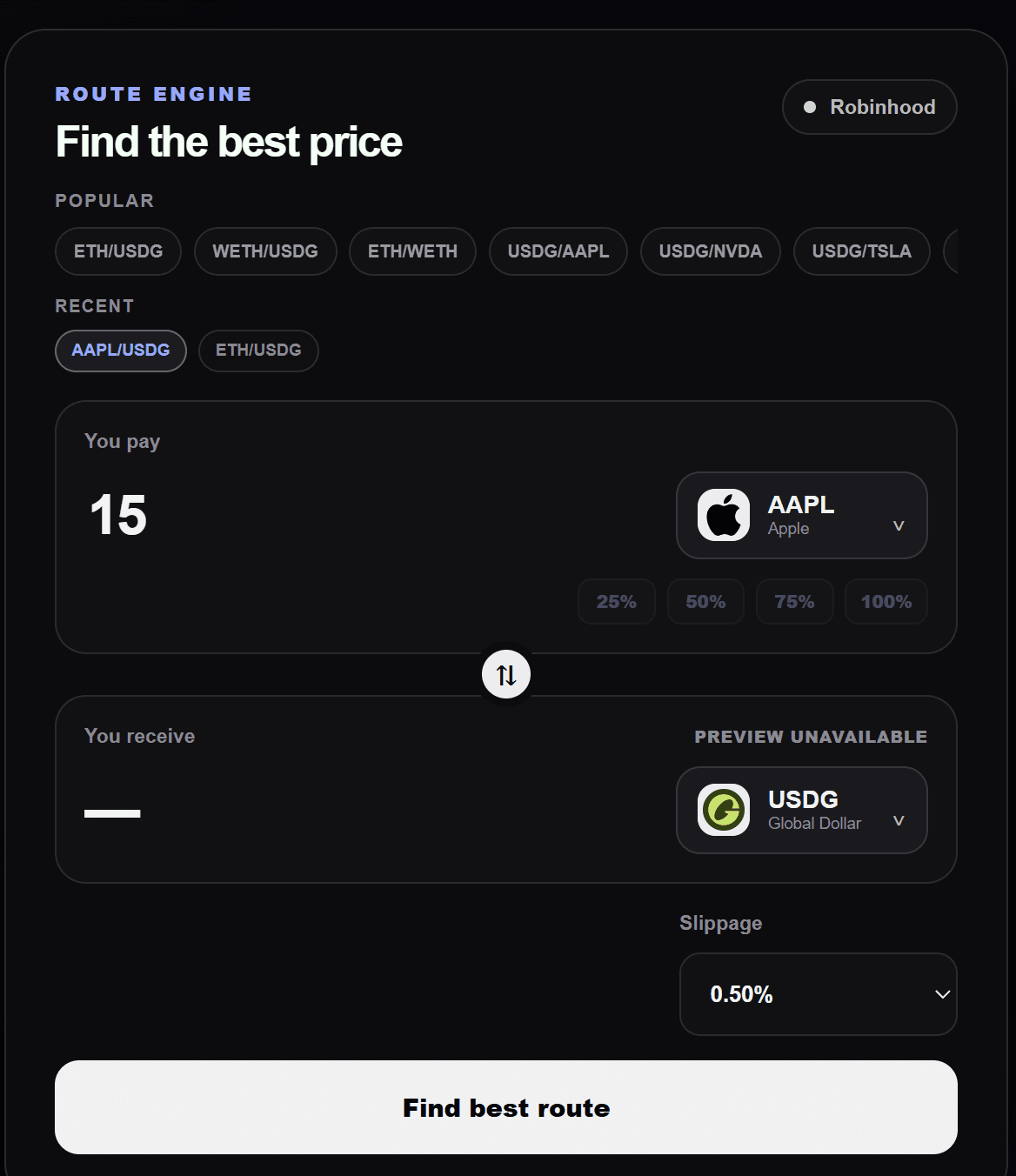
Pick the pay and receive assets. Robinhood is selected by default.
Enter an amount, set slippage, and select Find best route.
Review the winning result, then approve and execute in your wallet.
PFOF prepares the route and transaction. Nothing executes until you confirm it in your wallet.
Robinhood swaps
Cross-chain
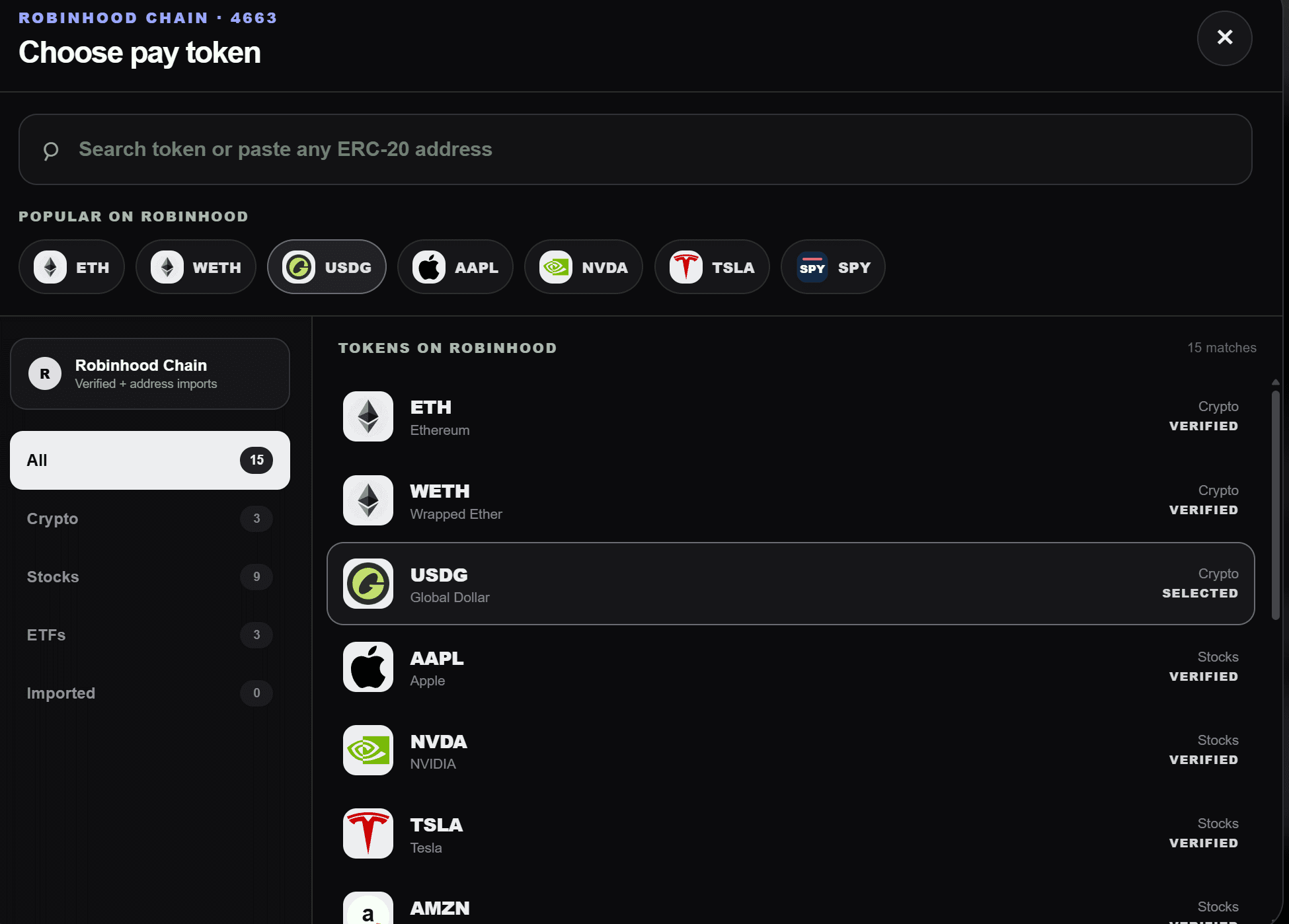
Open either token selector and choose a network from the left rail. PFOF remains Robinhood-centric, but the pay and receive assets can live on different supported networks.
 RobinhoodDefault
 EthereumCross-chain
 SonicCross-chain
 BaseCross-chain
 ArbitrumCross-chain
 AvalancheCross-chain
 HyperEVMCross-chain
 BSCCross-chain
 MonadCross-chain
 PlasmaCross-chain
 InkCross-chain
Select the asset you already hold on its current chain.
Choose Robinhood or another supported chain for the receive asset.
Native gas is required on the network where the transaction starts.
Unlisted assets
An imported token is not an endorsement. A valid contract may still have no executable liquidity.
For listing or whitelist questions, email dracula@pfof.exchange.
Private Mode
Private Mode is a separate Robinhood service for ETH transfers. It does not compete in the swap route race.
Private Mode currently supports ETH only. Privacy tools involve distinct legal and technical risks; use them only where permitted.
After confirmation
An ERC-20 may first ask permission for the exact amount. This is not the swap itself.
The execution receipt and temporary popup link point to the actual submitted route transaction.
The source confirms first. Destination settlement can finish afterward; keep the receipt open while it completes.